
Basics
Torchsnap is a keyboard-driven application launcher. If you haven’t installed it yet, head over to the Installation guide first.
Opening the launcher
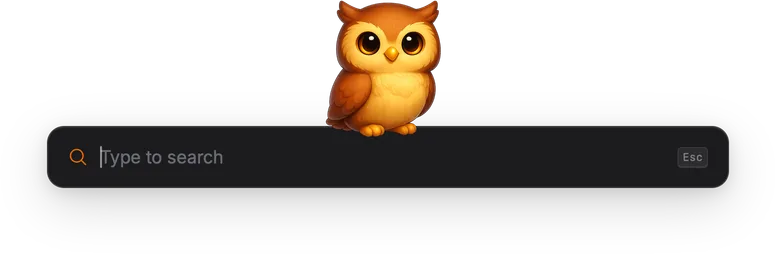
Section titled “Opening the launcher”Press Cmd+Shift+Space on macOS or Ctrl+Shift+Space on other platforms to bring up the search bar. This is the default shortcut, but you can change it in Settings.

Searching and launching
Section titled “Searching and launching”Start typing and results appear instantly, narrowed by fuzzy matching on every keystroke. Use the arrow keys to move through the list and press Enter to run the selected result.
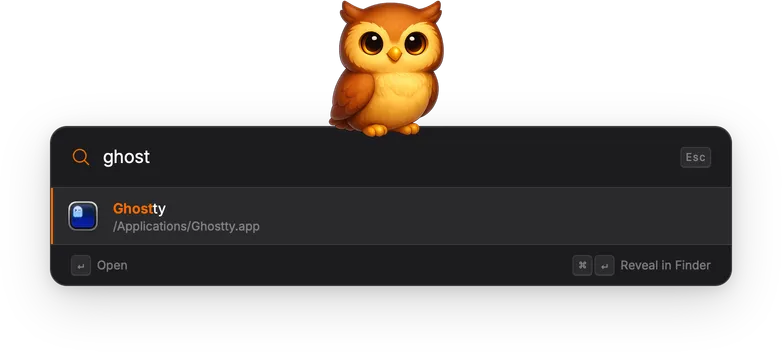
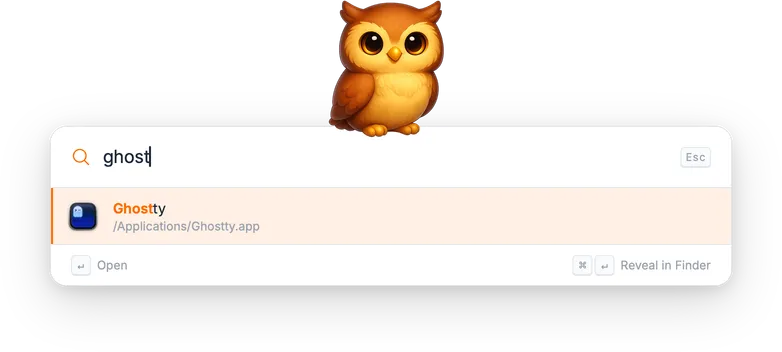
Some results offer secondary actions, for example “Reveal in Finder” for an application. The available action and its key hint are shown in the footer bar below the results.
Press Escape to dismiss the launcher. If the search field contains text, the first press clears it; a second press closes the window.
Gadgets
Section titled “Gadgets”Everything Torchsnap can do is provided by gadgets. A set of built-in gadgets ships out of the box:
- App Launcher: find and open installed applications
- Clipboard Manager: browse and paste from clipboard history
- System Commands: lock screen, sleep, restart, toggle dark mode, and more
- System Preferences: jump directly to a specific settings pane
- Calculator: evaluate math expressions inline (prefix
=) - Emoji Picker: search and insert emoji (prefix
:) - Bangs: DuckDuckGo bang shortcuts (prefix
!) - Open URL: open URLs typed into the search bar
Gadgets are sandboxed WebAssembly plugins, and you can also build your own.