
Calculator
The Calculator evaluates math expressions directly in the launcher and copies the result to your clipboard.
How to use
Section titled “How to use”There are two ways the Calculator activates:
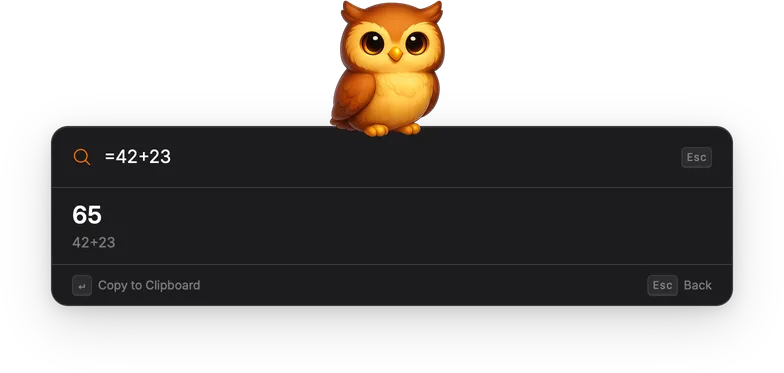
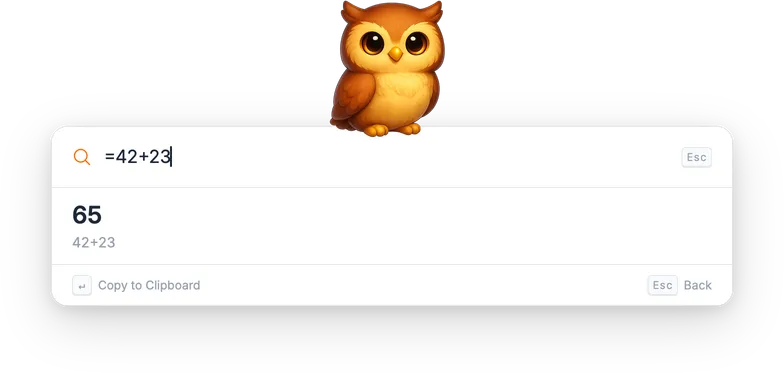
Prefix mode: type = followed by an expression (e.g., =42+23,
=sqrt(144)). This opens a dedicated calculator view with the result and your
calculation history below.
Auto-detection: the Calculator also recognizes math expressions typed
without the = prefix and shows a small inline result above the standard
search results. This works for expressions with arithmetic operators, math
functions, and parenthesized expressions.
Supported features
Section titled “Supported features”- Basic arithmetic:
+,-,*,/,^ - Comparison operators:
>,<,==,!=,>=,<= - Math functions:
sqrt,sin,cos,tan,log,abs, and more - Variables:
a = 5; a + 1returns6 - Integer division returns decimals:
1 / 2returns0.5
Actions
Section titled “Actions”| Action | Shortcut | Description |
|---|---|---|
| Copy to Clipboard | Enter | Copy the result and dismiss the launcher. |
Settings
Section titled “Settings”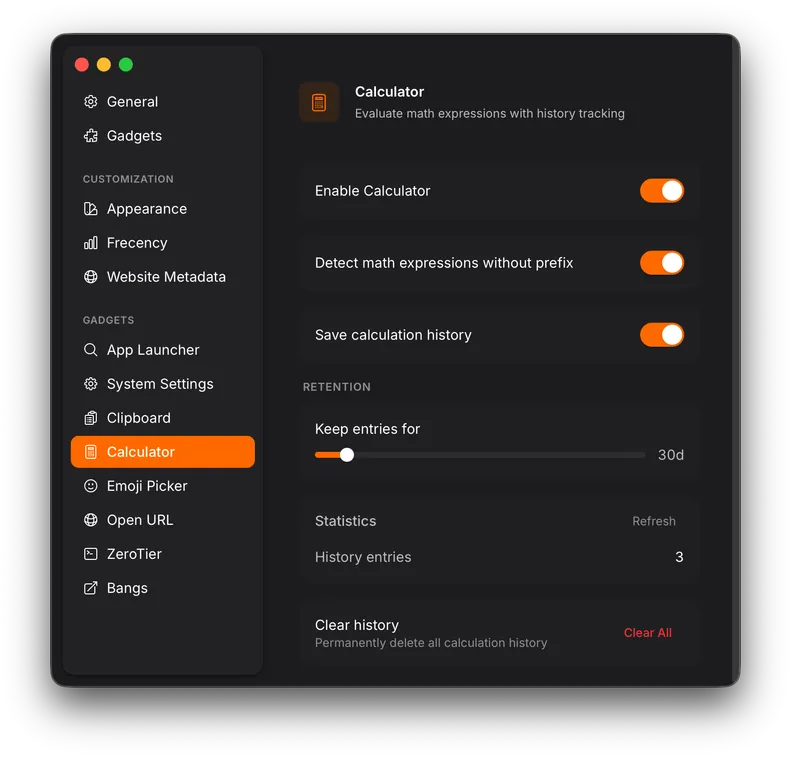
| Setting | Description |
|---|---|
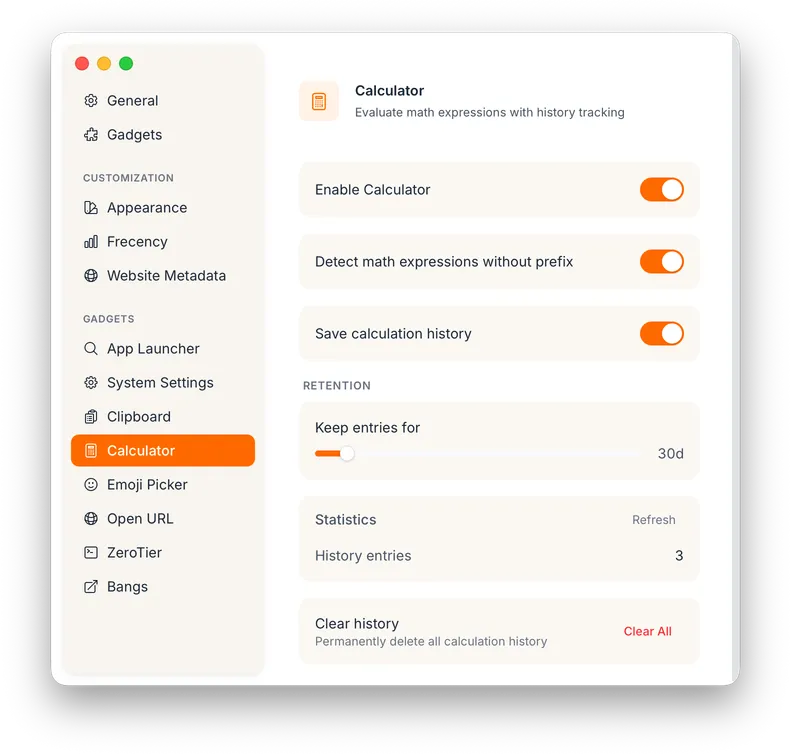
| Detect math expressions without prefix | Toggle auto-detection on or off (default: on). |
| Save calculation history | Toggle history persistence on or off (default: on). |
| Keep entries for | How long history entries are kept (default: 30 days). |
| Clear All | Delete the entire calculation history. |