
App Launcher
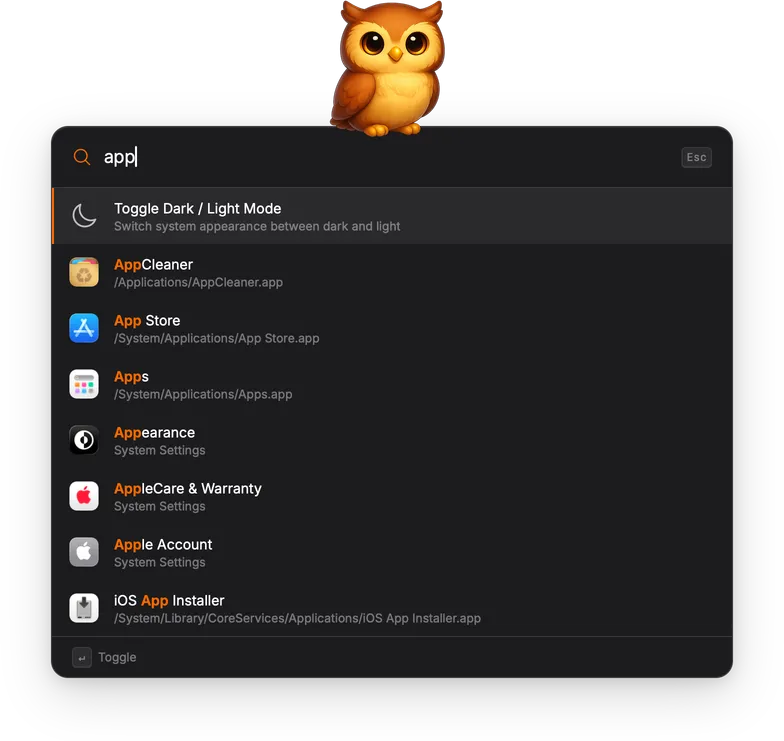
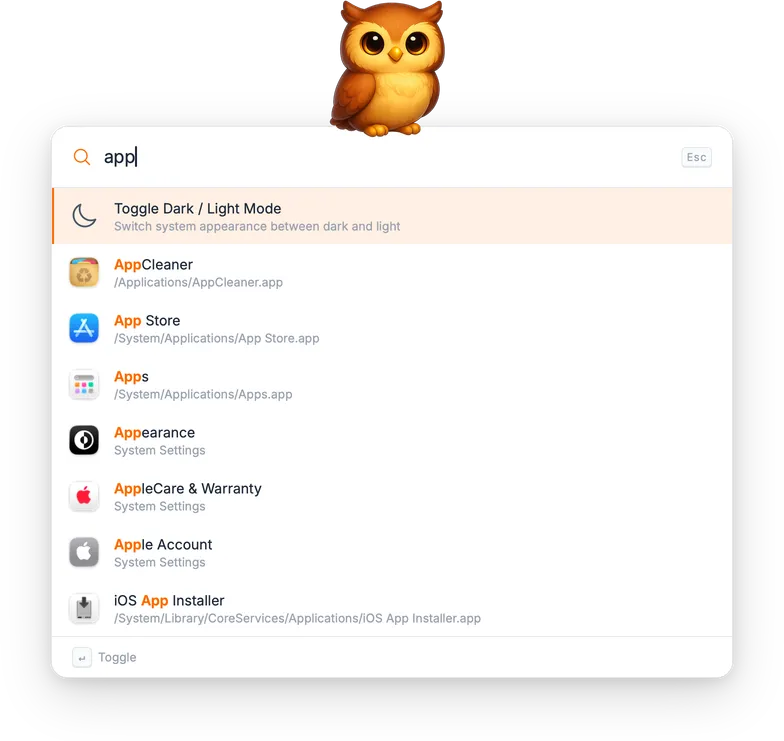
The App Launcher lets you find and open any installed application by typing part of its name.
How it works
Section titled “How it works”All installed applications are indexed at startup and kept up to date with a background refresh every five minutes. Results appear instantly with no manual setup required.
Each result shows the application name, its file path, and the app’s own icon.
Technical details
Section titled “Technical details”Applications are discovered via Spotlight (mdfind) using the query
kMDItemContentType == 'com.apple.application-bundle'. Only bundles under
an /Applications/ directory are included, covering /Applications/,
/System/Applications/, and ~/Applications/. Framework helpers and
bundles in other locations are filtered out.
The display name is resolved from the app’s Info.plist in priority order:
CFBundleDisplayName, then CFBundleName, then the .app filename as a
fallback.
Icons are extracted via NSWorkspace.iconForFile(), which returns the
system-composited icon including any dynamic overlays.
Actions
Section titled “Actions”| Action | Shortcut | Description |
|---|---|---|
| Open | Enter | Launch the application. |
| Reveal in file manager | Cmd+Enter / Ctrl+Enter | Show the application in the file manager without launching it. |