
System Commands
System Commands provides quick access to common system actions directly from the launcher.
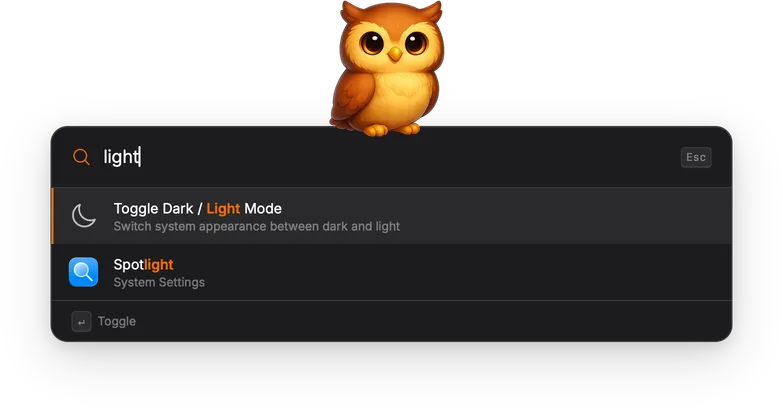
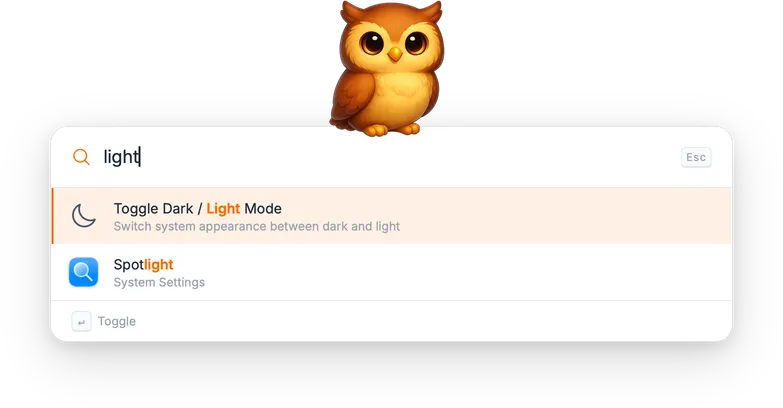
Available commands
Section titled “Available commands”| Command | Description |
|---|---|
| Lock Screen | Lock the display immediately. |
| Sleep | Put the system to sleep. |
| Restart | Restart the system. |
| Shut Down | Shut down the system. |
| Log Out | Log out the current user. |
| Toggle Dark / Light Mode | Switch the system appearance between dark and light. |
| Empty Trash | Empty the trash. |
| Start Screen Saver | Activate the screen saver. |
| Eject Disc | Eject the optical disc drive. |
Technical details
Section titled “Technical details”Most commands are executed via AppleScript through osascript. Sleep,
Restart, Shut Down, and Log Out use System Events; Empty Trash uses
Finder; Toggle Dark / Light Mode flips the dark mode property on
appearance preferences.
A few commands use shell tools instead: Lock Screen runs
pmset displaysleepnow, Start Screen Saver launches the
ScreenSaverEngine app via open -a, and Eject Disc runs drutil eject.
Actions
Section titled “Actions”| Action | Shortcut | Description |
|---|---|---|
| Execute | Enter | Run the selected command immediately. |