
System Preferences
System Preferences lets you jump directly to a specific settings pane by searching for its name.
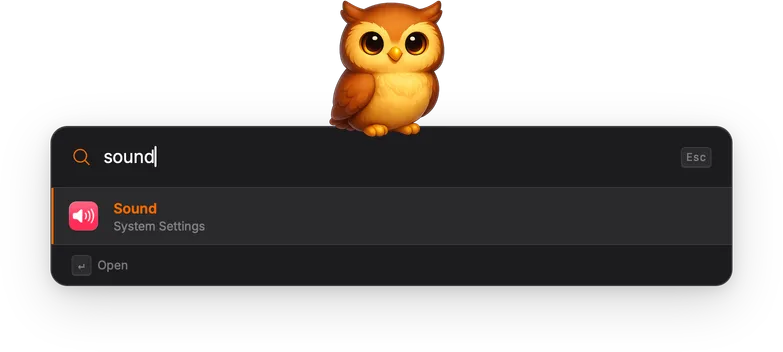
How it works
Section titled “How it works”All available settings panes are indexed at startup. You can also search using the keywords “settings” or “preferences” to browse the full list.
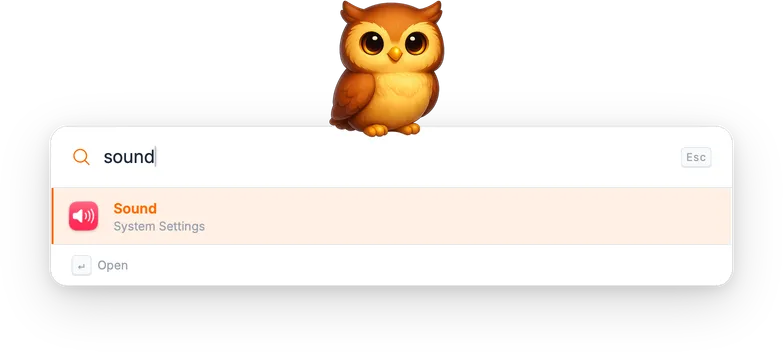
Each result shows the pane name, “System Settings” as the subtitle, and the pane’s icon.
Technical details
Section titled “Technical details”Settings panes are discovered dynamically by scanning
/System/Library/ExtensionKit/Extensions for .appex bundles. Each
bundle’s Info.plist is checked for the
allowsXAppleSystemPreferencesURLScheme flag. Only panes that support
the x-apple.systempreferences: URL scheme are included.
The display name is read from the bundle’s localized Info.plist. Icons
are extracted from the .appex bundle via NSWorkspace.iconForFile().
When you select a pane, Torchsnap opens a deep-link URL in the format
x-apple.systempreferences:<BundleIdentifier>, which launches System
Settings directly at the chosen pane.
Actions
Section titled “Actions”| Action | Shortcut | Description |
|---|---|---|
| Open | Enter | Open the settings pane directly. |