
Bangs
Bangs let you search any website directly from the launcher using DuckDuckGo’s
bang shortcuts. Type a search query with a ! bang token anywhere in it to
open the target service’s search page.
How to use
Section titled “How to use”Add a bang token (e.g., !g, !yt, !crates, !gh) anywhere in your query.
The bang can appear at the beginning, middle, or end. For example:
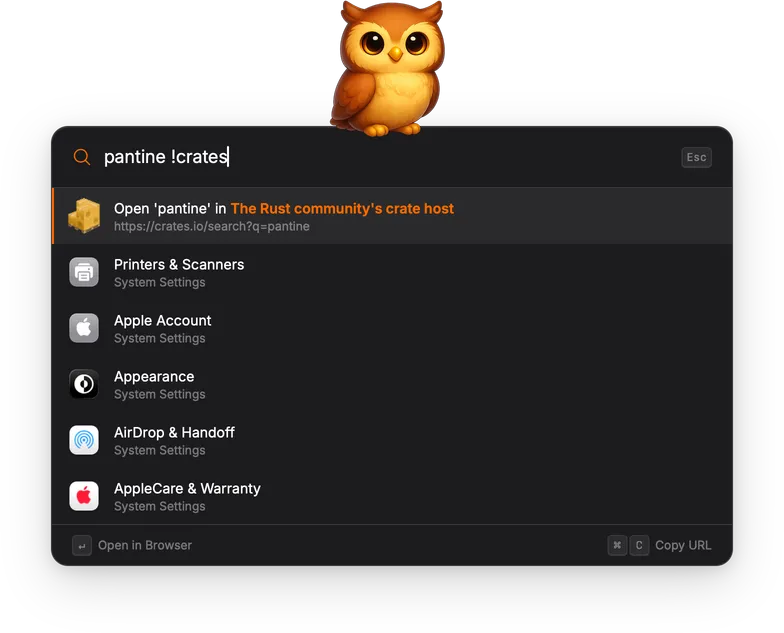
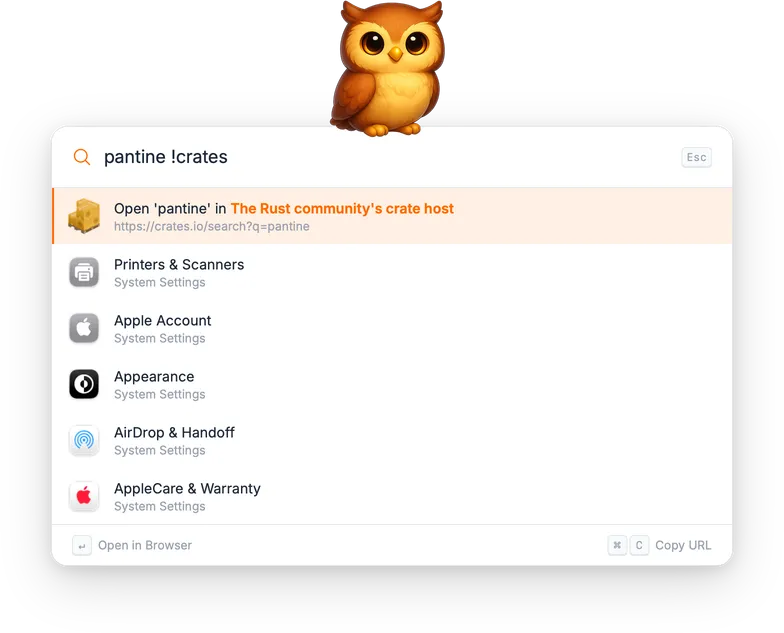
torchsnap !gh: search GitHub for “torchsnap”!yt rust tutorial: search YouTube for “rust tutorial”pantine !crates: search crates.io for “pantine”
The result shows the target service name, the resolved URL, and the service’s favicon. Over 13,000 bang shortcuts are available, covering most popular websites and services.
Actions
Section titled “Actions”| Action | Shortcut | Description |
|---|---|---|
| Open in Browser | Enter | Open the resolved URL in the default browser. |
| Copy URL | Cmd+C / Ctrl+C | Copy the URL to the clipboard. |
Settings
Section titled “Settings”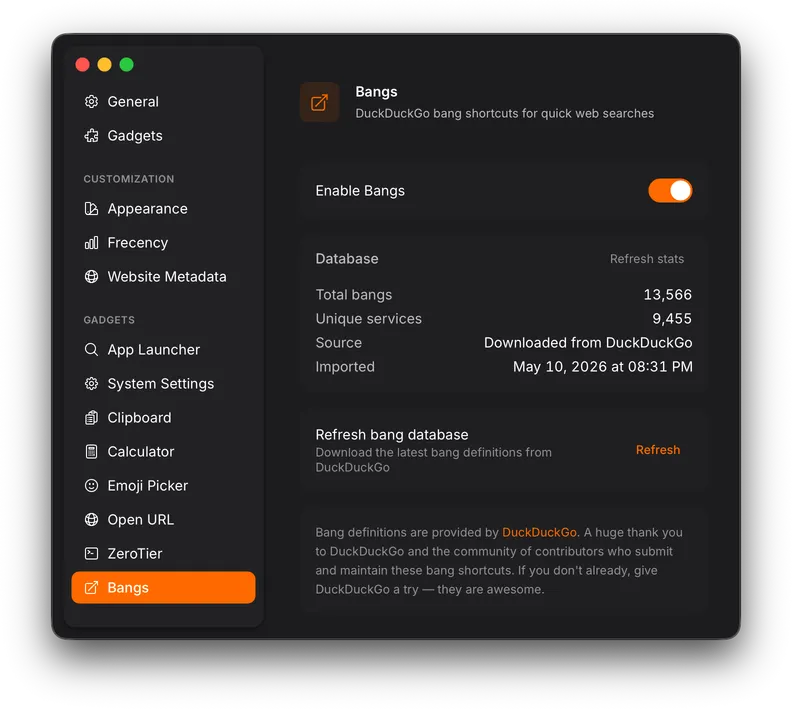
| Setting | Description |
|---|---|
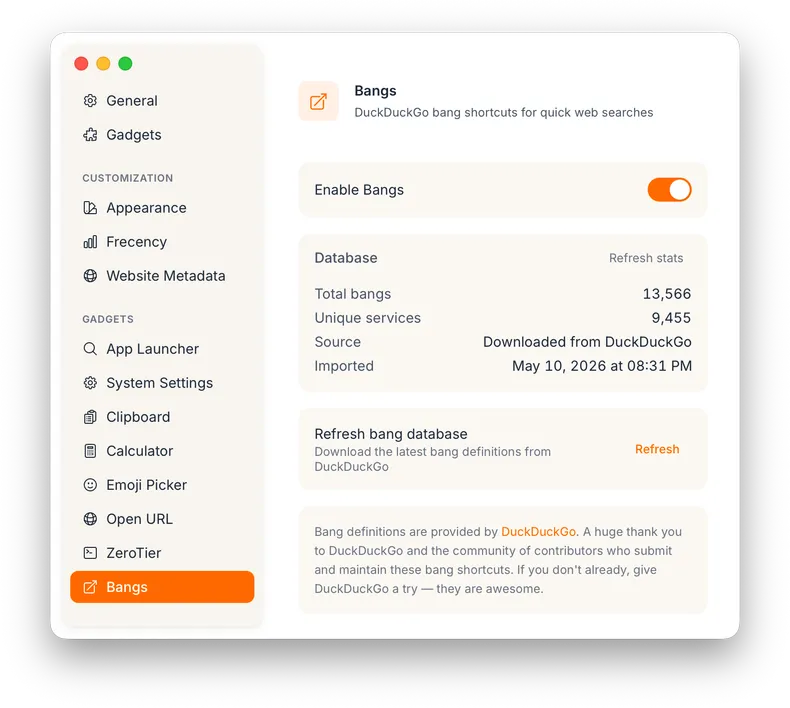
| Refresh bang database | Re-download the bang database from DuckDuckGo to pick up new or updated shortcuts. |