
Installation
macOS Linux · coming soon Windows · coming soon
Torchsnap runs on Macs with Apple silicon. Macs with an Intel processor are not supported.
DMG Download
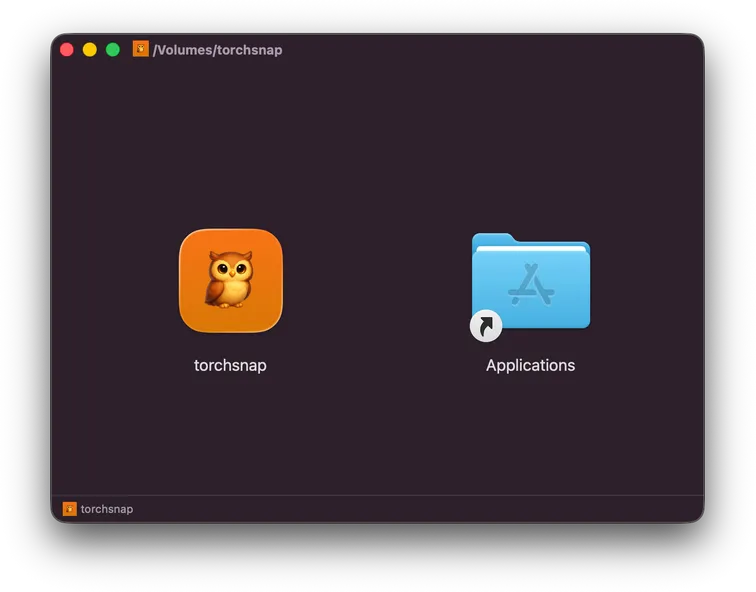
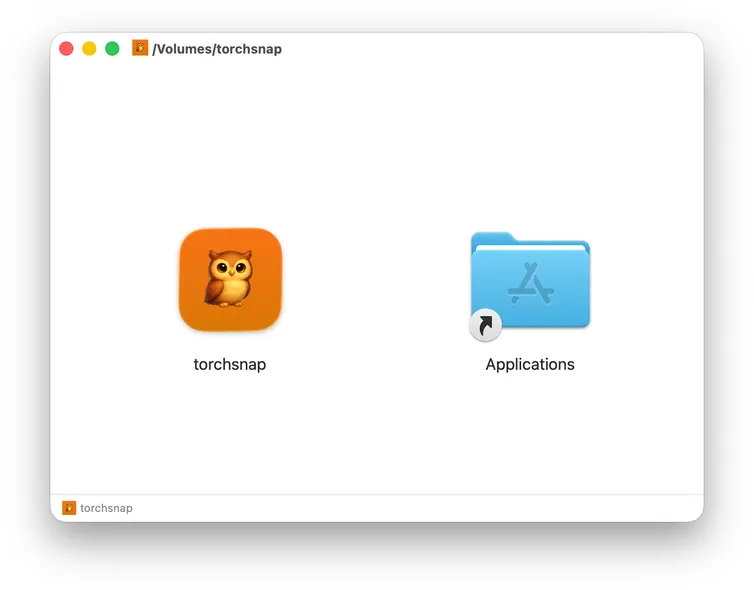
Section titled “DMG Download”Download Torchsnap.dmg from the latest release, open it, and drag Torchsnap into your Applications folder.
First launch
Section titled “First launch”When you open Torchsnap for the first time, macOS asks whether you want to open an app downloaded from the internet. Click Open. The dialog also says that Apple checked Torchsnap for malicious software: every release is notarized by Apple before it is published.
Homebrew
Section titled “Homebrew”A Homebrew tap is not yet available. Use the DMG download for now. Once published, the install command will be:
brew install jakobwesthoff/tap/torchsnapLinux support is planned. Platform-specific packages (.AppImage, .deb)
will be provided once available.
Windows
Section titled “Windows”Windows support is planned.