
Open URL
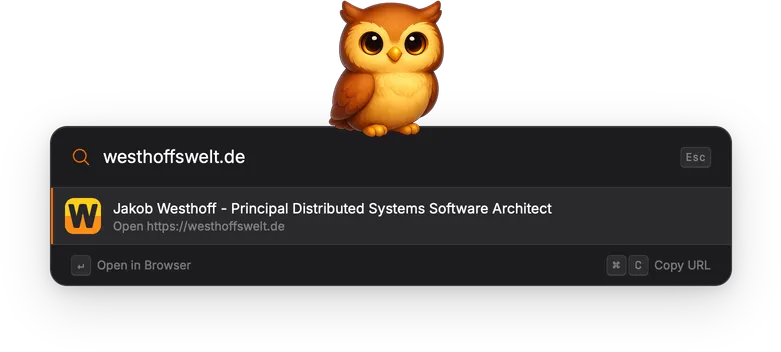
Open URL detects web addresses typed into the search bar and lets you open them directly in your default browser.
How it works
Section titled “How it works”The gadget activates automatically when it recognizes a URL in the search bar. Two formats are supported:
- Full URL: type
https://example.comorhttp://example.com. Always produces a result, even if the site is unreachable. - Bare domain: type a domain like
github.comorexample.co.uk. The gadget validates the domain against the Public Suffix List and only shows a result if the TLD is recognized and the site is reachable.
When a URL is detected, Torchsnap fetches the page title and favicon to display alongside the result.
Actions
Section titled “Actions”| Action | Shortcut | Description |
|---|---|---|
| Open in Browser | Enter | Open the URL in the default browser. |
| Copy URL | Cmd+C / Ctrl+C | Copy the full URL to the clipboard. |